Harmless prank — not a real update. Press Esc to exit.
Tip: press F for full screen · Esc to exit
Fake Update Screen
You stand up from your desk to grab coffee, and when a coworker glances over, your screen shows Windows Update at 73% — "Please do not turn off your computer." That's the whole bit. This tool gives you three convincingly styled update screens: a Windows 11-inspired spinning circle with percentage, a macOS-style black-background progress bar, and a terminal full of scrolling `apt` and `systemd` output for the Linux crowd. Each one fills the screen, blocks keyboard input visually, and dismisses instantly with Esc. No one will actually think their machine is updating — but they'll pause long enough for you to enjoy the moment.
How to use
- Pick a platform style — Windows, macOS, or Linux terminal.
- Click Full Screen and step away from your desk.
- Press Esc (or click the screen) to dismiss — the update was never real.
Is it illegal to prank someone with a fake update screen?
It's a harmless visual joke — the same as putting a sticky note over a webcam. Just don't use it to mislead someone into delaying real work, and definitely don't run it on a device you don't own.
Can the fake update screen be dismissed?
Yes — press Esc or click anywhere on the screen and the update screen instantly disappears. No key combinations are blocked permanently.
Which OS style is most believable?
The Windows-style spinning-dots update is the most universally recognized. macOS is great for creative workplaces. The Linux terminal scroll is best for tech-savvy audiences who'd recognize a fake `apt-get` output.
Fake Update Screen Wallpapers
Free fake update screen wallpaper images for Windows, macOS, and ChromeOS pranks — set one as your desktop background.
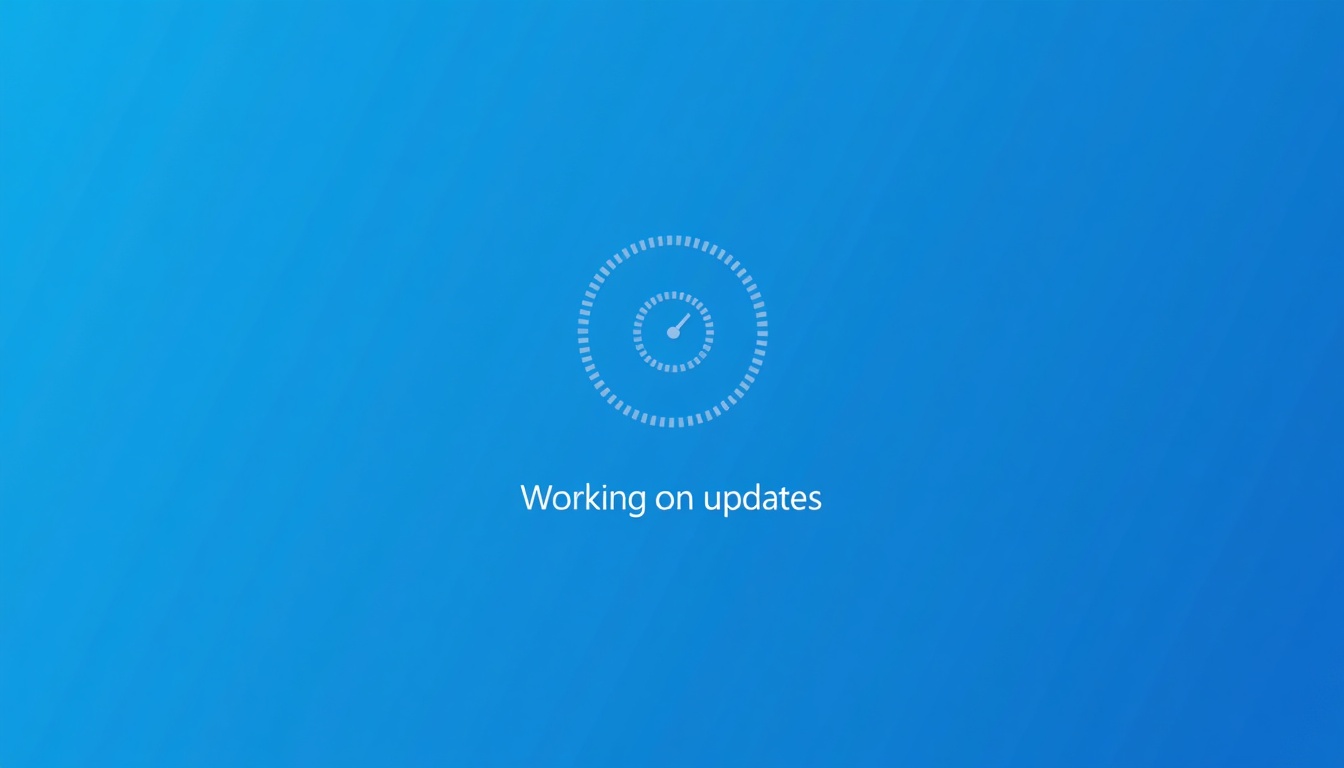
Windows 10 Update
Realistic Windows 10 update screen.
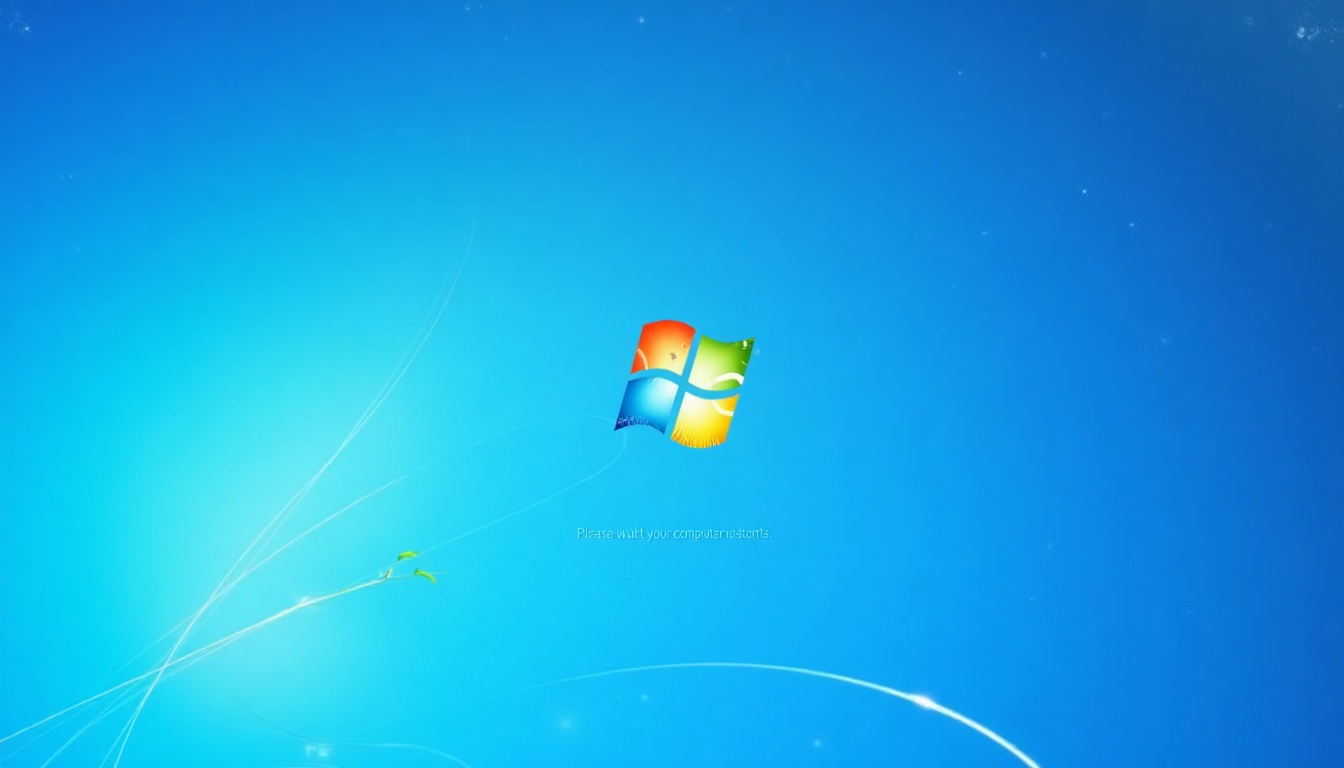
Windows XP Update
Retro Windows XP update screen.
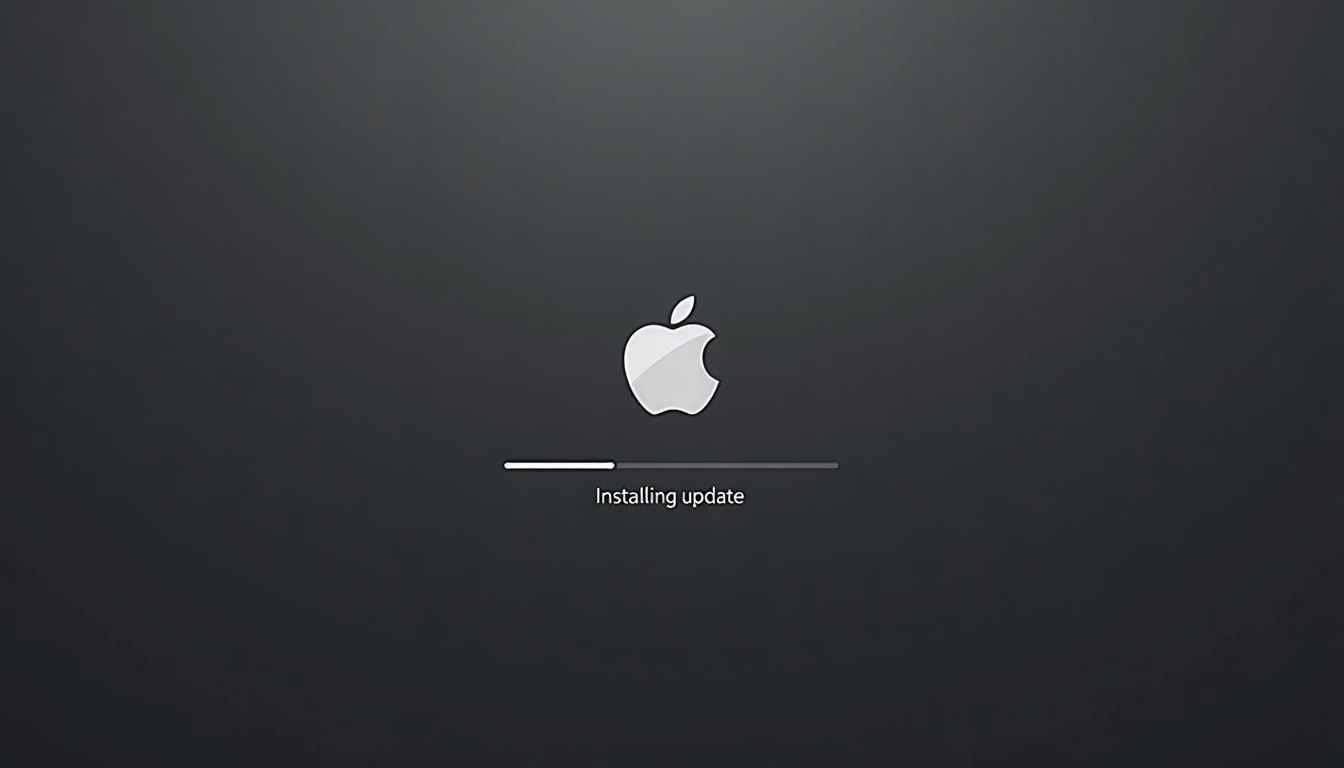
macOS Update
Realistic macOS update screen.
ChromeOS Update
Realistic ChromeOS update screen.
Related tools & pages
Related guides
Learn how to get the most out of this tool.
Popular full-screen colors
Each link opens instantly in full screen. White and black are the most searched, but green, blue and pink are popular for video and streaming setups.
More Screen Tools
Zoom Light Screen
Adjustable-color full-screen light for video calls — dial in the perfect color temperature to look natural on camera.
Ring Light Screen
Create a custom-colored glow ring around your webcam window — softer than a solid fill and mimics a physical ring light.
Screen Flashlight
Instant max-brightness white fill — turns your screen into a portable flashlight for finding things in the dark.
Broken Screen Dummy
Convincing cracked-screen overlays — pick from spiderweb, shatter, glitch, or LCD bleed styles to prank a friend.
Fake Update Screen
Classic Windows, macOS, or Linux-style fake update screens — lock the display and watch coworkers think you're updating.
No Signal Screen
Animated TV static with a bouncing NO SIGNAL overlay — convincing enough to make someone check the cables.